
How to Copy Text from Instagram Reels
Find the right method for spoken words, post captions, or text shown on screen.
Public Reels and video posts
Find the text you need, turn spoken words into a script, or take a transcript into your next video edit.
Start with the outcome you need. Each guide stays within what the Instagram transcript tool can actually do.
Find the right method for spoken words, post captions, or text shown on screen.
Import an SRT into a video editor, check timing, and export your captioned video.
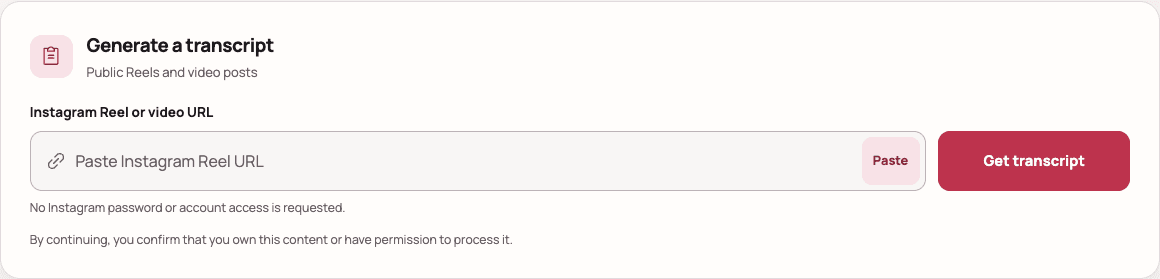
Capture the spoken script, clean the raw transcript, and turn it into text that is easier to review or repurpose.
Work through unsupported URLs, private posts, access restrictions, silent videos, and temporary processing failures.
Choose TXT for readable text, or use SRT and VTT when the result includes reliable timestamps.
Public Reel or video postStart with a direct Instagram content URL.
One video at a timeProfiles, hashtag pages, and Explore links are not video inputs.
No access bypassPrivate, deleted, restricted, or login-only content cannot be opened.