
How to Extract a Script from an Instagram Reel
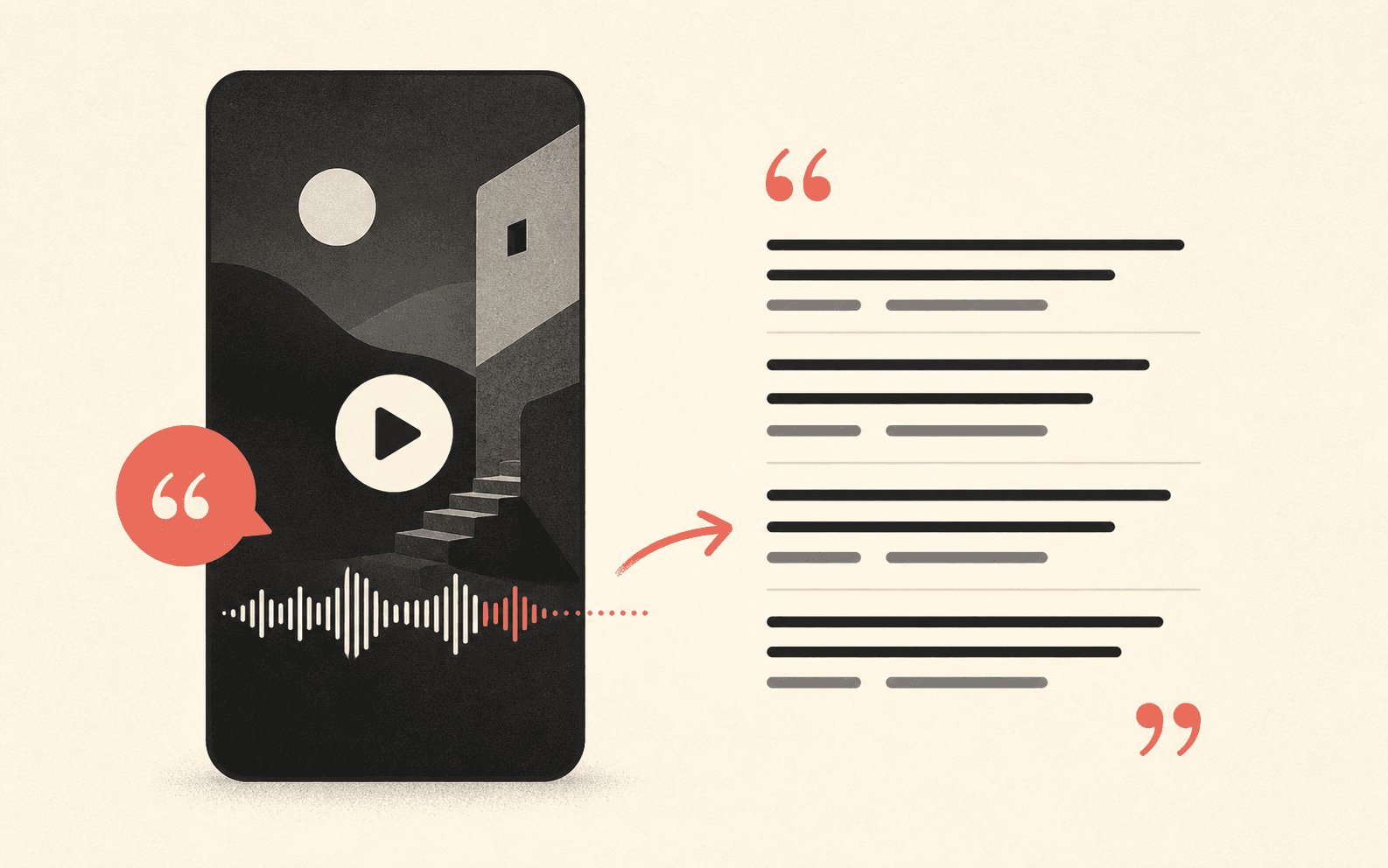
Copy a public Reel link, turn its speech into text, then shape the result into a clean working script.
Extract the spoken script in three moves
Start with the direct URL for one public Reel. The output is a transcript of audible speech, ready for review and editing.
Copy the Reel link
Open the individual Reel, choose Share, and select Copy link. A supported address normally contains
/reel/followed by the post shortcode.Generate the spoken text
Paste the URL into the generator. It processes the public video and returns detectable speech as readable transcript segments.
Clean the working script
Check important words against the Reel, remove filler only when appropriate, and separate the hook, body, and call to action.
Know what the extractor reads
A Reel contains several kinds of text. This workflow focuses on the spoken script, not every visible or written element around the video.
Spoken words
The extractor listens for audible speech in a public Reel. When timing data is available, each transcript segment can also point back to its approximate moment in the source.
Not the post caption
The written description below a Reel is separate from the spoken script.
Not every text overlay
Titles, stickers, and text burned into the video may not be included unless they are spoken aloud.
Turn a raw transcript into a usable script
Keep one untouched transcript for accuracy. Make structural edits in a separate working copy so you can always return to the detected wording.
Illustrative raw transcript
Most people start a Reel with background information, but the viewer still does not know why the next sentence matters. Lead with the problem first. Then give one concrete step and finish by telling the viewer what to do next.
Most people start a Reel before the viewer knows why it matters.
Lead with the problem, then give one concrete step.
Finish by telling the viewer what to do next.
Review before you reuse the words
Automated text is a first draft. Listen again when accuracy, attribution, or permission matters.
Use your own content or obtain permission before republishing substantial third-party wording. Analysis and note-taking do not transfer ownership of the source.
- Names and numbers
- Replay the exact moment and confirm spelling, amounts, dates, and quoted claims.
- Music and overlapping voices
- Expect more corrections when speech competes with a soundtrack or another speaker.
- Punctuation and speaker changes
- Add structure only after checking where one thought or speaker actually ends.
- Failed or restricted links
- Use the troubleshooting guide when the Reel cannot be processed.
Instagram Reel script extractor FAQ
Answers about captions, visible text, private Reels, and downloads. For post descriptions or on-screen words, find the right way to copy text from a Reel.
Can I extract a script from a Reel that has no captions?
Yes, when the public Reel contains clear spoken audio. The transcript is generated from detectable speech, so native Instagram captions are not required.
Is the Reel script the same as the Instagram caption?
No. The script is made from words spoken in the video. The caption is the separate post description written by the creator.
Does the script extractor read text shown on screen?
No. It transcribes audible speech. Titles, stickers, burned-in subtitles, and other visual text may not appear unless the same words are spoken.
Can I extract a script from a private Instagram Reel?
No. The tool cannot bypass private accounts, login requirements, age gates, deleted posts, or regional access restrictions.
Can I download the extracted Reel script?
You can copy the text or download TXT. SRT and VTT are also available when the transcript provider returns usable timestamps.